Nobody starts in the same place.
Twenty sites, twenty start times. A schedule on the office wall reaches none of the people working to it.
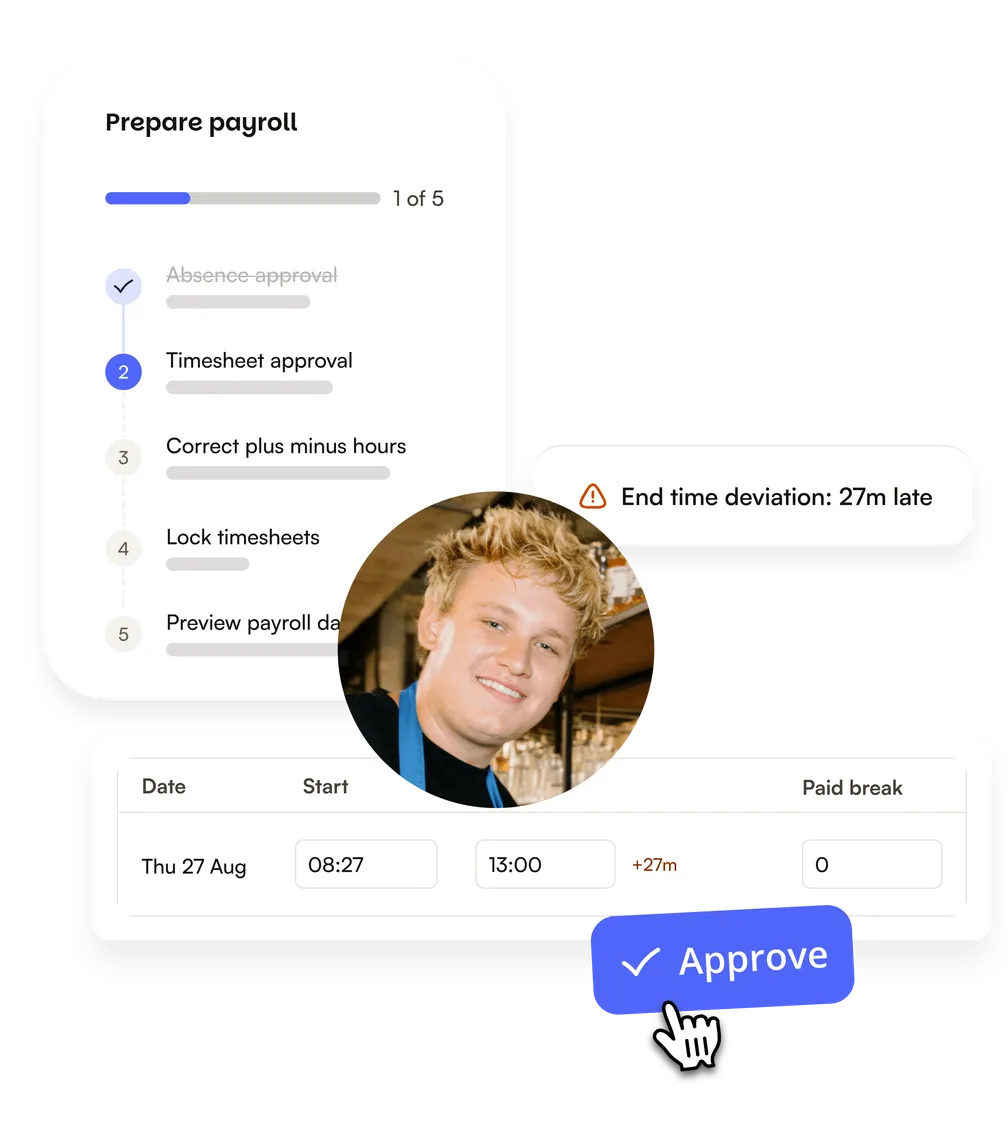
One building, one block, hours you do not have to chase. Your cleaner or caretaker clocks in at the building, and the early and evening uplifts are on those hours before payroll opens.

Join the 9,000+ shift businesses and their 250,000+ employees who chose Shiftbase.

















People start their shift somewhere you're not, at a time you're not there, and the only proof of what happened arrives on paper a week later.
Twenty sites, twenty start times. A schedule on the office wall reaches none of the people working to it.
A text, a photo of a paper sheet, a phone call on Monday morning. You are the one turning that into a week.
Certificates, screening, and site inductions. Match them by memory and someone turns up who isn't cleared.
Tag a certificate as a skill and require it on the shift, and Shiftbase shows planners who holds it. You can also set it so that nobody without the certificate can claim that shift. A planner can still assign anyone.
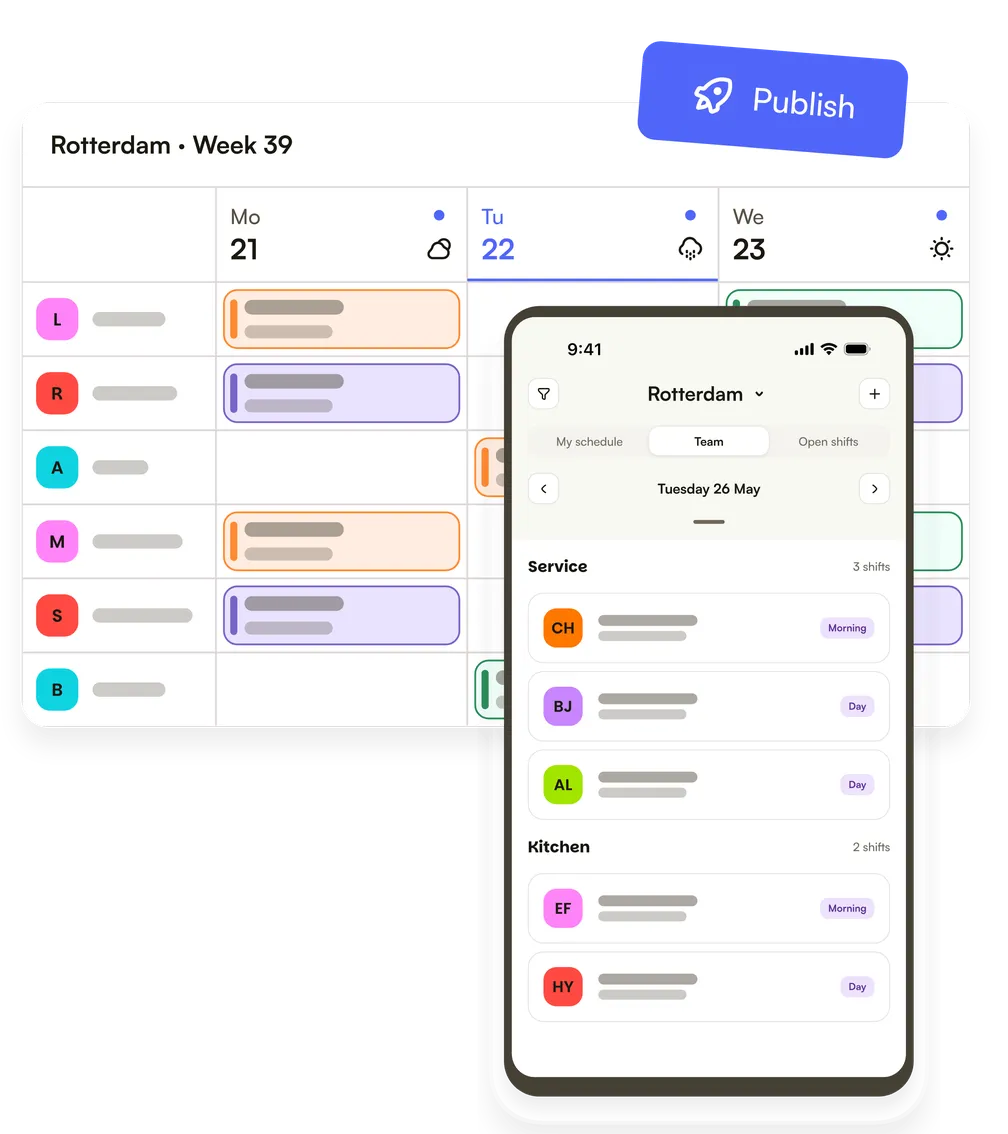
Publish and the schedule lands in everyone's app, with the site and start time they need. Swaps, availability, and time off come to you as requests instead of calls after the shift.
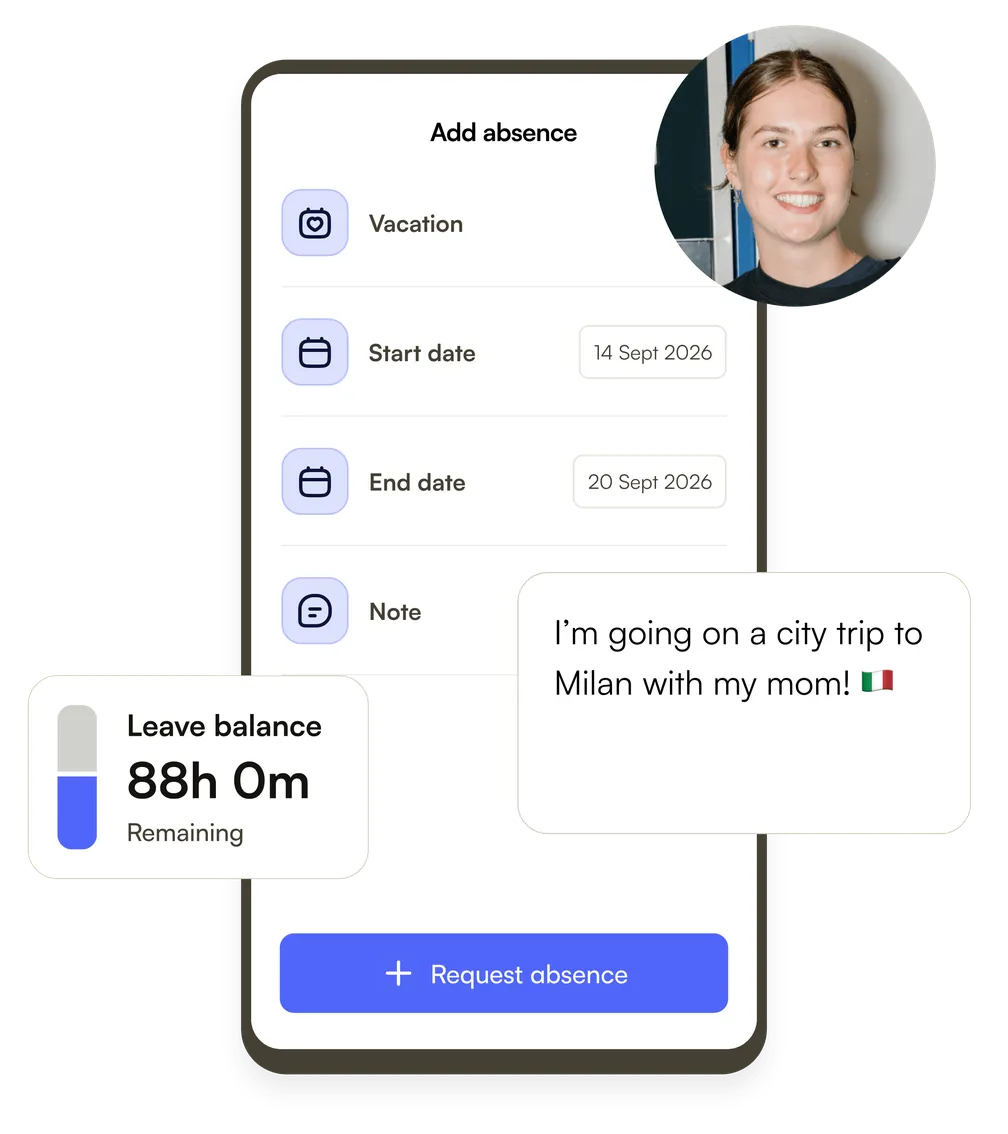
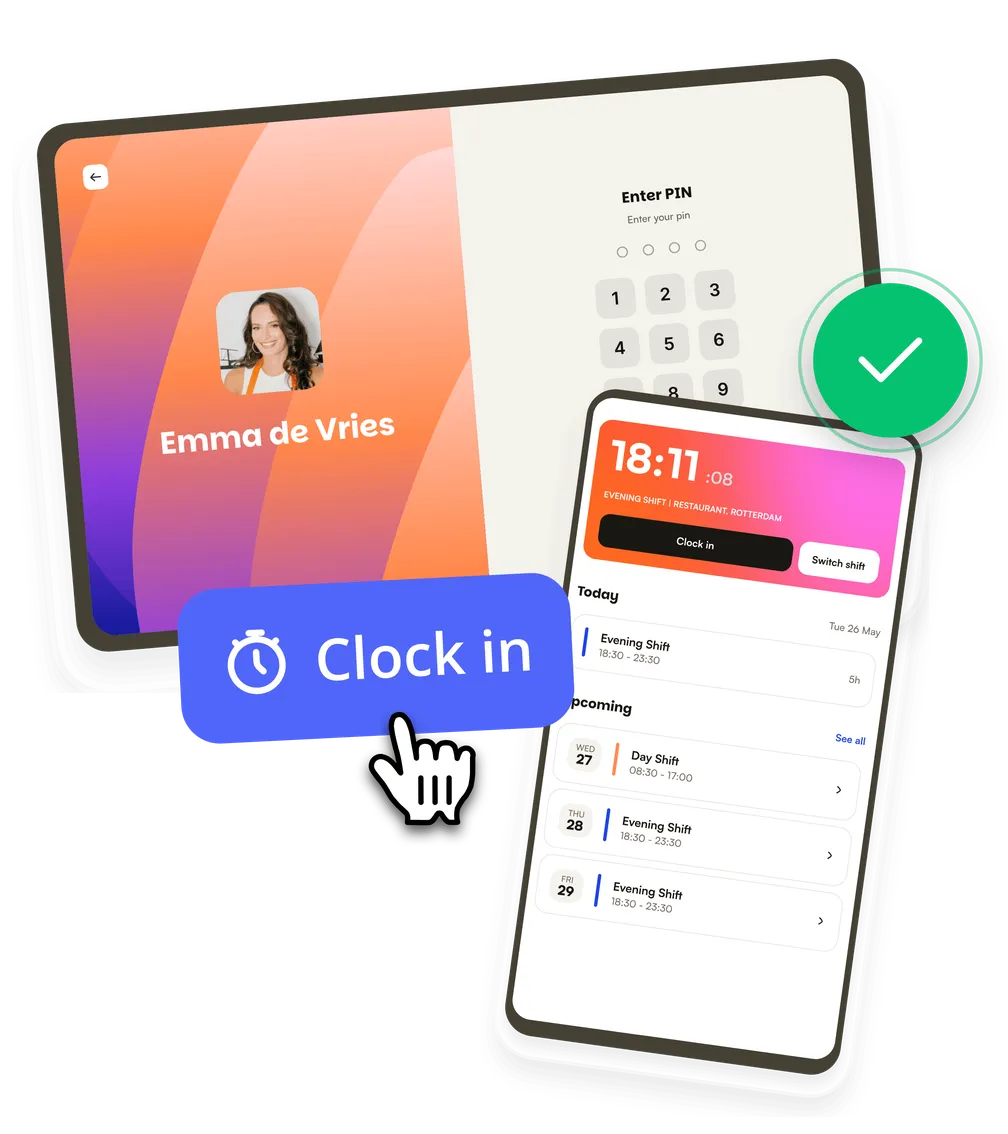
Clock in on a phone at the site, restricted by geolocation, or on a terminal where one is installed. Hours land on the timesheet as they happen, with breaks and overtime already counted.
 Facility management


“The use of Shiftbase encourages employees to check their hours. If there are questions, the system can be directly consulted, and a solution offered.”
Django Stoutenburg
Operational planner at Tomingroep
 Transport

“Shiftbase gives us the overview and the flexibility we need. The system doesn’t just save time, it also helps us work more professionally.”
20%
saved on time and cost
9,000+
businesses run on Shiftbase
250k+
daily users
 Owners
Clock-ins as they happen, and what the approved hours cost in wages, so you know what a week of the work really takes.
 Planners
You publish the week per building, and the app carries it to people who are never in your office. When somebody calls in sick you post the shift open and whoever is qualified at that location can claim it.
 Team
Site, start time, shifts, swaps, and leave in the app. No ringing the office to ask.
A facility day happens in other people's buildings, on their opening hours. Here is how it looks when the schedule, the hours, and the proof sit in one place.
The early team clocks in on their phones at the site. You can see the shift started without being there.
Post the shift to the people cleared for that building. Cover is confirmed before the client opens up.
Day clocks out, evening clocks in. Both sets of hours land on the right person with the right rate.
Evening surcharges and breaks are already counted. The hours are ready for payroll.
Every feature is open from the first day of your trial, no credit card needed.
If your business runs on shifts, the setup already matches how you plan. Invite your team, set it up, and run it on a real week.
Monthly plans, no long contracts. If Shiftbase doesn't fit your business, you leave with your data.
Wage data and contracts are sensitive, so we store them on European servers under GDPR.
Want to use Shiftbase at scale?Talk to sales
Publish once, and set the takings against the hours.
Front desk, housekeeping and F&B on one schedule.
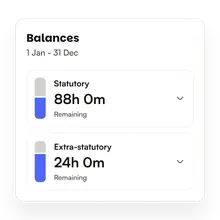
Approve the time off and see who that leaves on the floor.
Sleep shifts, on-call and four kinds of time off.
Fill a peak week from a team that is half new.
Keep depot and warehouse hours in one place.
Plan the crew, not the line.
Everything about running a facility team on Shiftbase, and if it isn't here, our team is one message away.
Your team clocks in on their phone at the site, and you can restrict clock-ins by geolocation. The hours land on the timesheet as they happen, not on a signed sheet a week later.
To stop someone without a certificate claiming a shift, require the certificate as a skill on that shift. A planner can still assign anyone. Shiftbase holds no expiry date on a skill, so store the certificate and its renewal date on the employee file.
Shiftbase does not show hours per client. Hours register on people and shifts, and Reports total them per employee and per department, so you see what the work costs rather than what a customer costs. Setting up a department per site comes close, but a department is an organisational unit, not a client record. What you charge for a site stays in your billing system.
No. Shiftbase records one shift in one place, so a round of several addresses in one day stays in your spreadsheet, and the travel between them is not recorded at all. Where one person covers one building for one block, which is most office, school and healthcare work, Shiftbase carries the schedule, the hours, the absences and a payroll-ready file.
Yes. Early, evening and weekend uplifts come off a rate card and apply to the hours you approve, so the export carries them.