Plan the week in minutes.
You check a finished week that covers all your departments, and get back the days you spent building it.
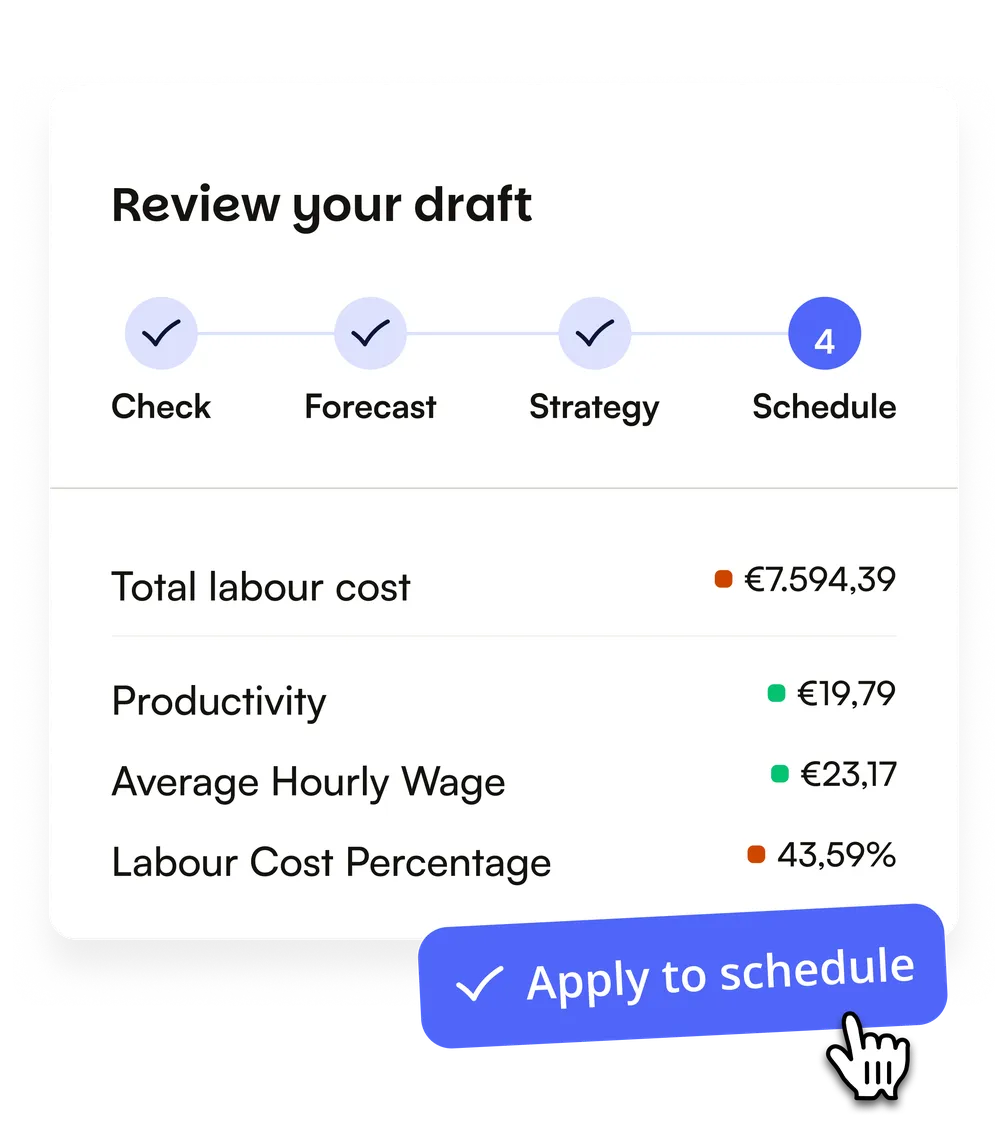
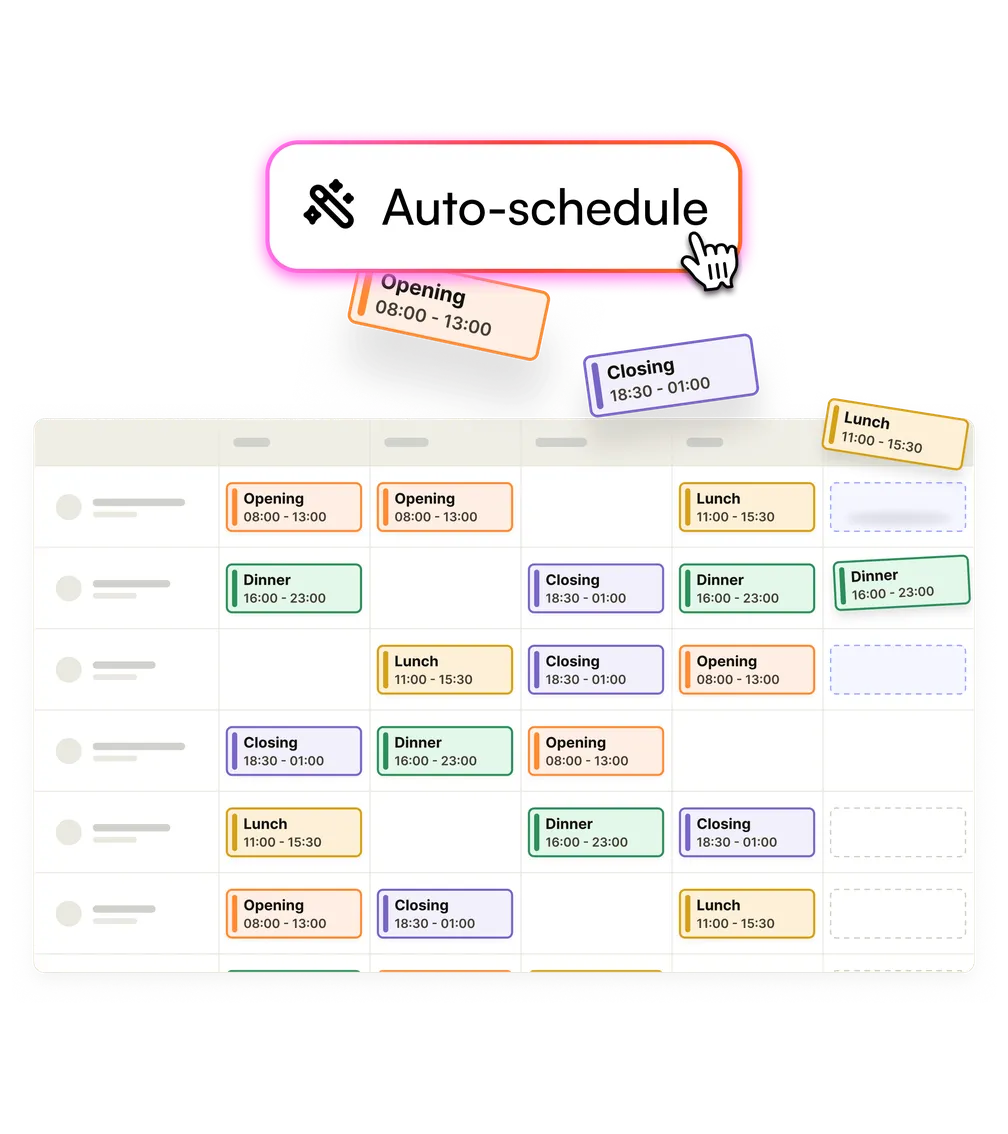
Mark the shifts you need and Shiftbase fills them with AI. You check the draft and its labour cost before anything goes out.
Join 9,000+ shift-based businesses and their 250,000+ employees.

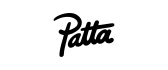












You check a finished week that covers all your departments, and get back the days you spent building it.
Shifts spread fairly across your team, and everyone works the shifts they're trained for.
You see what the week costs while you can still change it, before anyone works a shift.
One draft covers every department and venue up to a month ahead, with staff who work across teams planned as one team. The draft is ready within minutes, for one department or all of them.
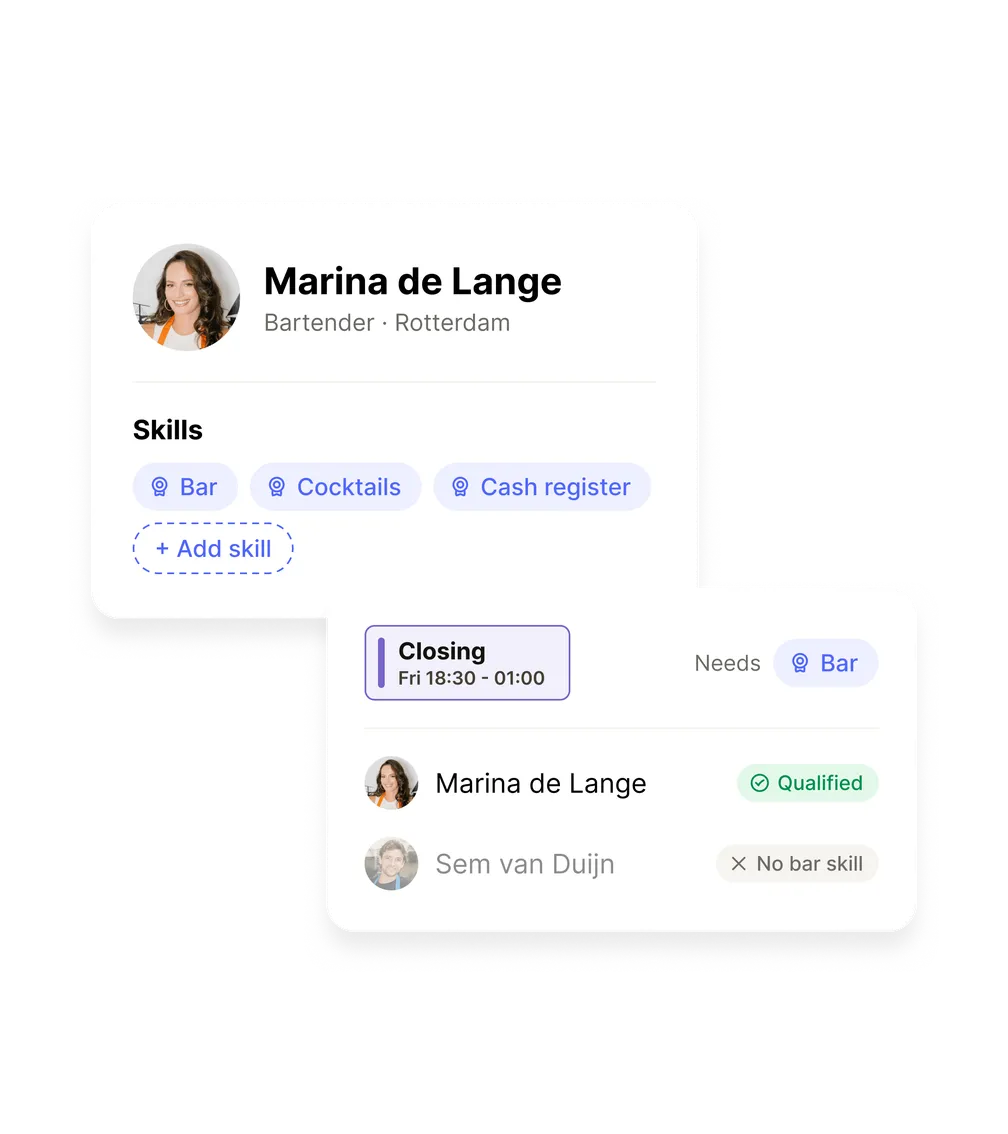
Give people the skills they're trained for and set the skill each shift needs. Shiftbase only plans someone where they're qualified, so the bar and the closing shift always get the right person.
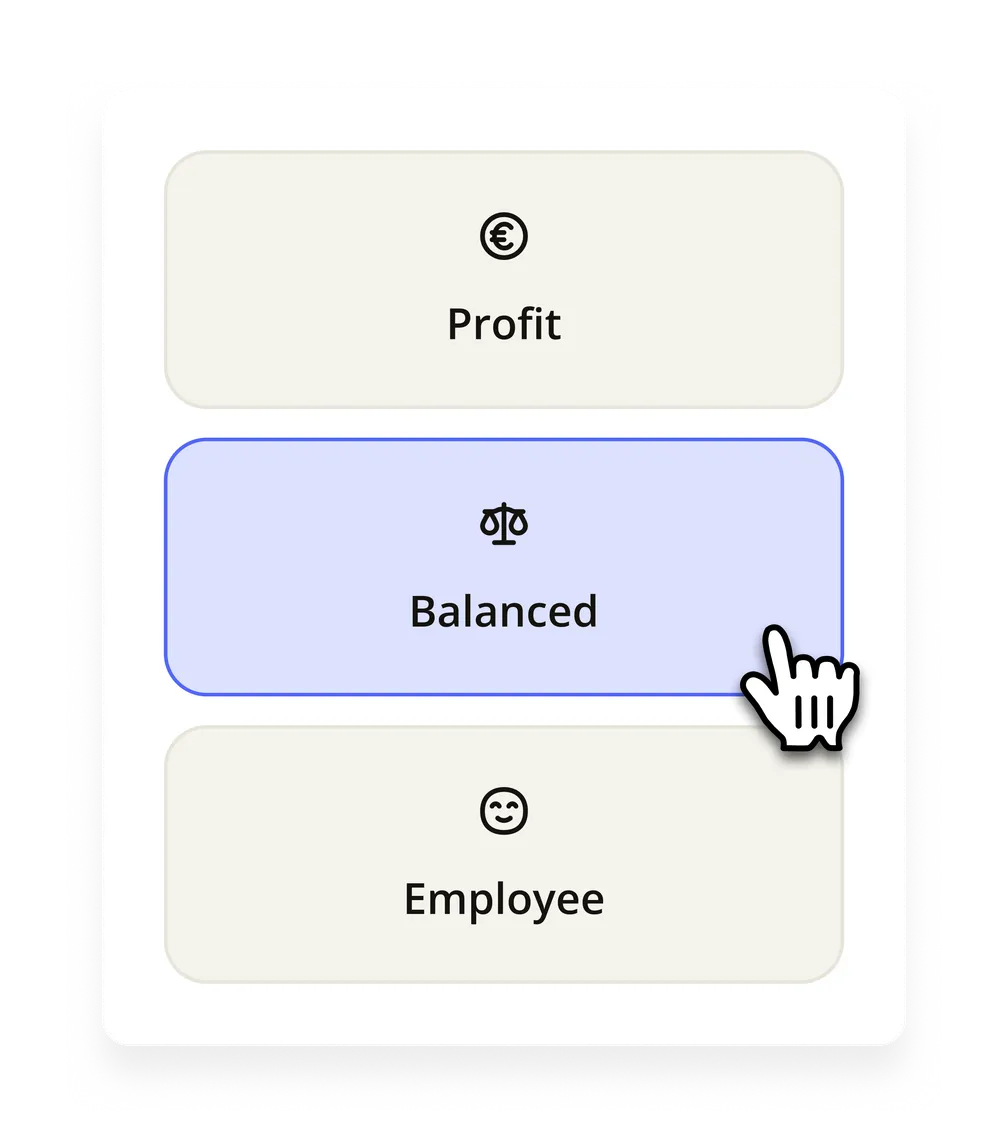
Add hourly wages and pick a goal: lowest labour cost, your team's preferences or a balance. Contract hours fill before overtime, and every draft shows its labour cost against your target.
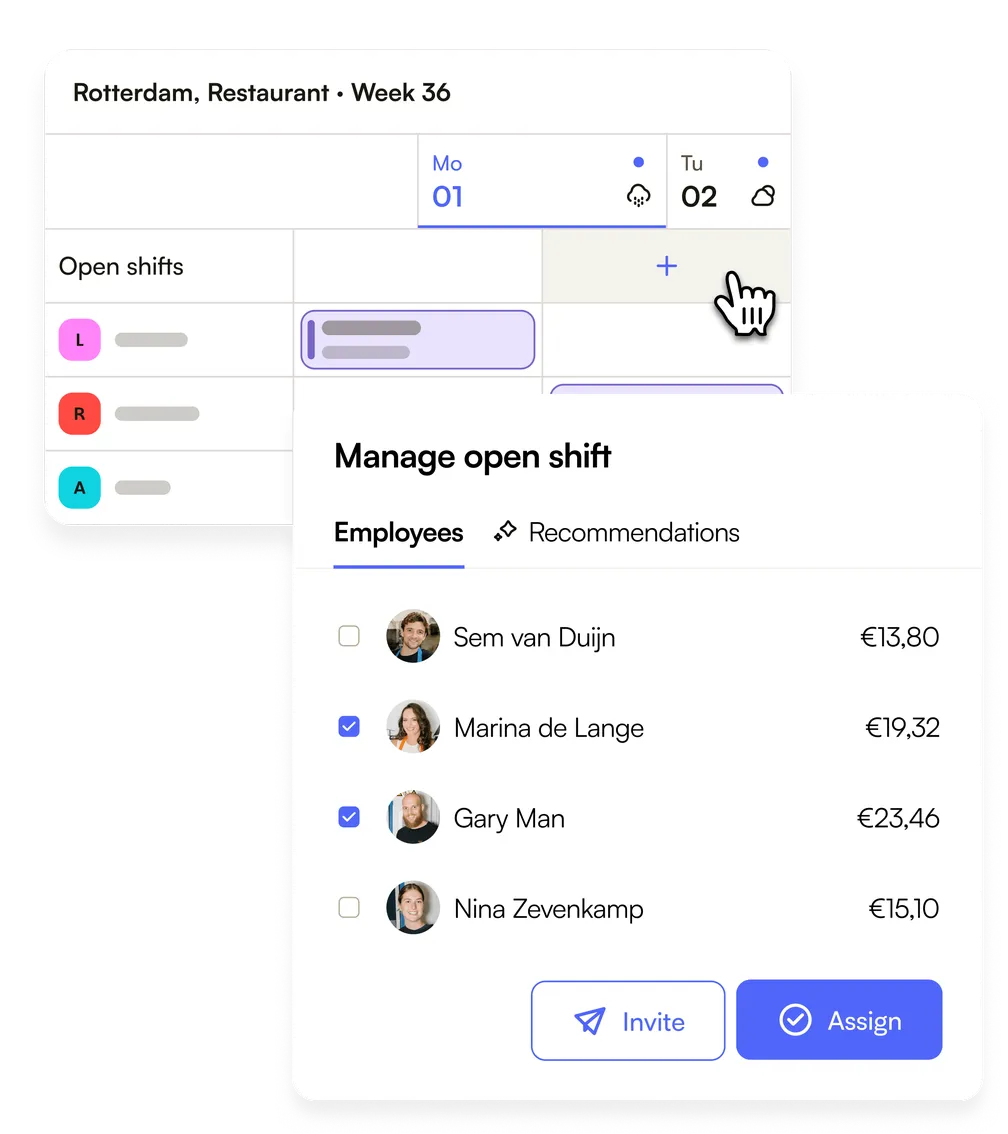
When nobody fits, you see the reason each person was passed over, so you know what to fix. Shiftbase lists the best fits first, and turns what's left into open shifts your team can claim in one click.
That used to take Irem Güneri two full working days, venue by venue.
Not every question needs half an hour in the diary. Ask Tom whether Auto-scheduling fits the way your team plans, or what it can't do yet.
Every feature is available from day one, no credit card needed. Your first week can be live tonight.
If your business runs on shifts, the setup already matches how you plan. Invite your team, set it up, and run it on a real week.
Monthly plans, no long contracts. If Shiftbase doesn't fit your business, you leave with your data.
Wage data and contracts are sensitive, so we store them on European servers under GDPR.
Want to use Shiftbase at scale?Talk to sales
Track hours from clock-in to approval.
Approve leave, track every balance.
Contracts and employee records in one place.
Export payroll-ready hours in one click.
Plan labour against expected revenue.
Reach the whole team in one message.
AI checks hours before they reach payroll and flags what looks off.
More on Shiftbase AIEverything about Auto-scheduling in Shiftbase. If your question isn't here, send us a message.
Auto-scheduling software, also called automated scheduling software, uses AI to put people on the shifts you need, following your rules. Shiftbase is employee scheduling software with Auto-scheduling built in, which fills your required shifts on availability, skills and contract hours, toward the goal you pick, and hands you a draft to check first.
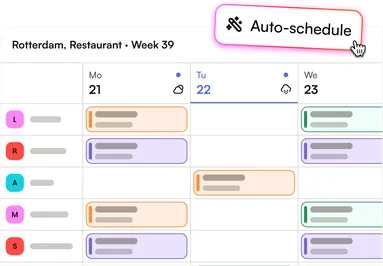
Auto-scheduling works in four steps. Pick the departments and the period, up to a month. Set the shifts you need covered. Choose a goal: lowest cost, your team's preferences or a balance. Then check the draft and its labour cost, change what you like and publish. Before every draft, Shiftbase checks your setup and links you to anything that's missing.
Auto-scheduling fills all your shifts at once by your rules, while with manual scheduling you put each person on each shift yourself and check availability, skills and hours as you go. You set the shifts you need, Shiftbase drafts the week, and you check and change a finished draft.
AI can make a staff rota, and in Shiftbase that's what Auto-scheduling does. It weighs availability, skills, contract hours and labour cost for every shift, follows your rules and shows the reason for every shift it can't fill. A general chatbot only knows what you paste into it; Auto-scheduling works from the data already in Shiftbase.
Auto-scheduling takes into account your required shifts, availability, approved absence, contract hours, hours already scheduled, plus-minus hours, skills and the hour limits in your settings. With hourly wages added, it also weighs labour cost.
Auto-scheduling plans several departments and locations in one draft, up to a month ahead. Colleagues who work in more than one department are planned across all of them at once, the way WONDR Experience plans its five departments.
Auto-scheduling never publishes for you. You get a draft, apply it to your schedule, change what you like and publish when you're ready.
Shifts Auto-scheduling can't fill stay in the unassigned row, with the reason each person wasn't picked. Open one and Shiftbase ranks who could still take it, or change an input such as availability or skills and draft again.
You can plan your key people yourself and let Auto-scheduling fill the rest. Shifts you assign before drafting stay fixed, and the draft is built around them.
Auto-scheduling works without turnover or till data. It runs on required shifts, availability, skills and contract hours, and you add hourly wages when you want it to aim for the lowest labour cost.
Auto-scheduling keeps to contract hours and the hour limits you set, such as maximum hours per week and shifts per day. It doesn't check working time law, such as the UK Working Time Regulations, on its own, so rules like rest between shifts are yours to check before you publish.
Auto-scheduling comes at no extra cost in the Shiftbase plan that includes it, which you can compare on the pricing page.
Teams that plan in Excel today can use Auto-scheduling once their people, required shifts and skills are in Shiftbase. Import your team from the spreadsheet, mark the shifts you need, and Auto-scheduling drafts the week from there.
Shiftbase drafts your whole schedule in one go.
Automated scheduling saves shift-based teams hours of admin every week.
A shift schedule says who works when, and for how long.