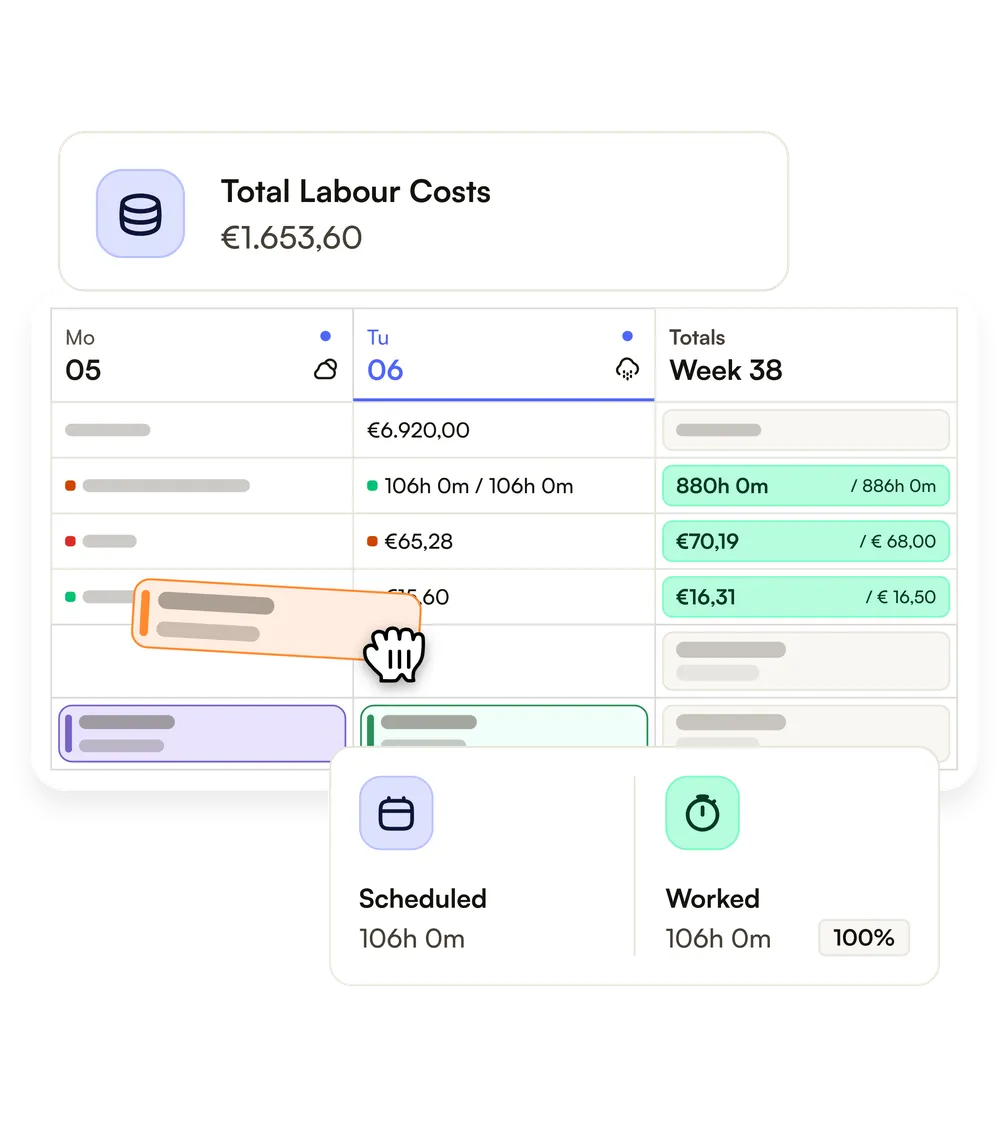
Spot gaps at a glance.
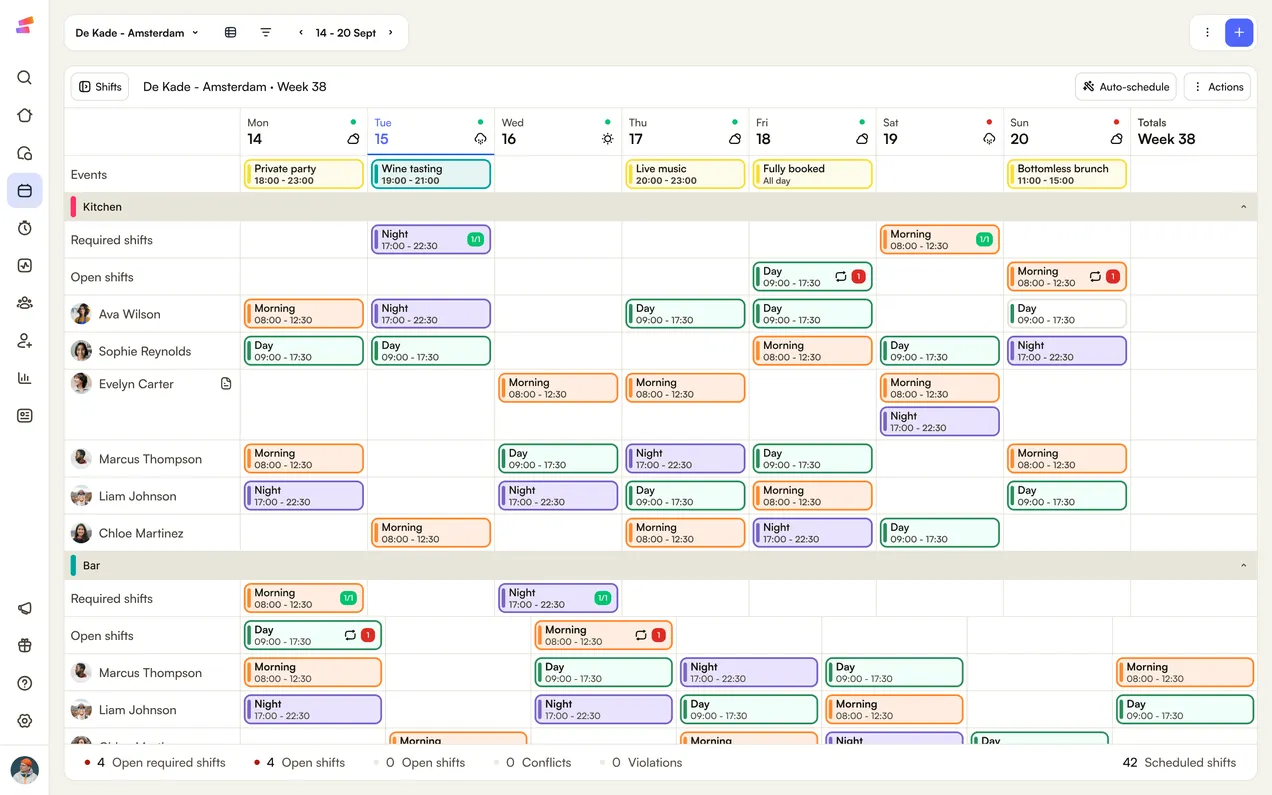
See who works when, where you're short and what it costs, in one schedule instead of a fridge printout.
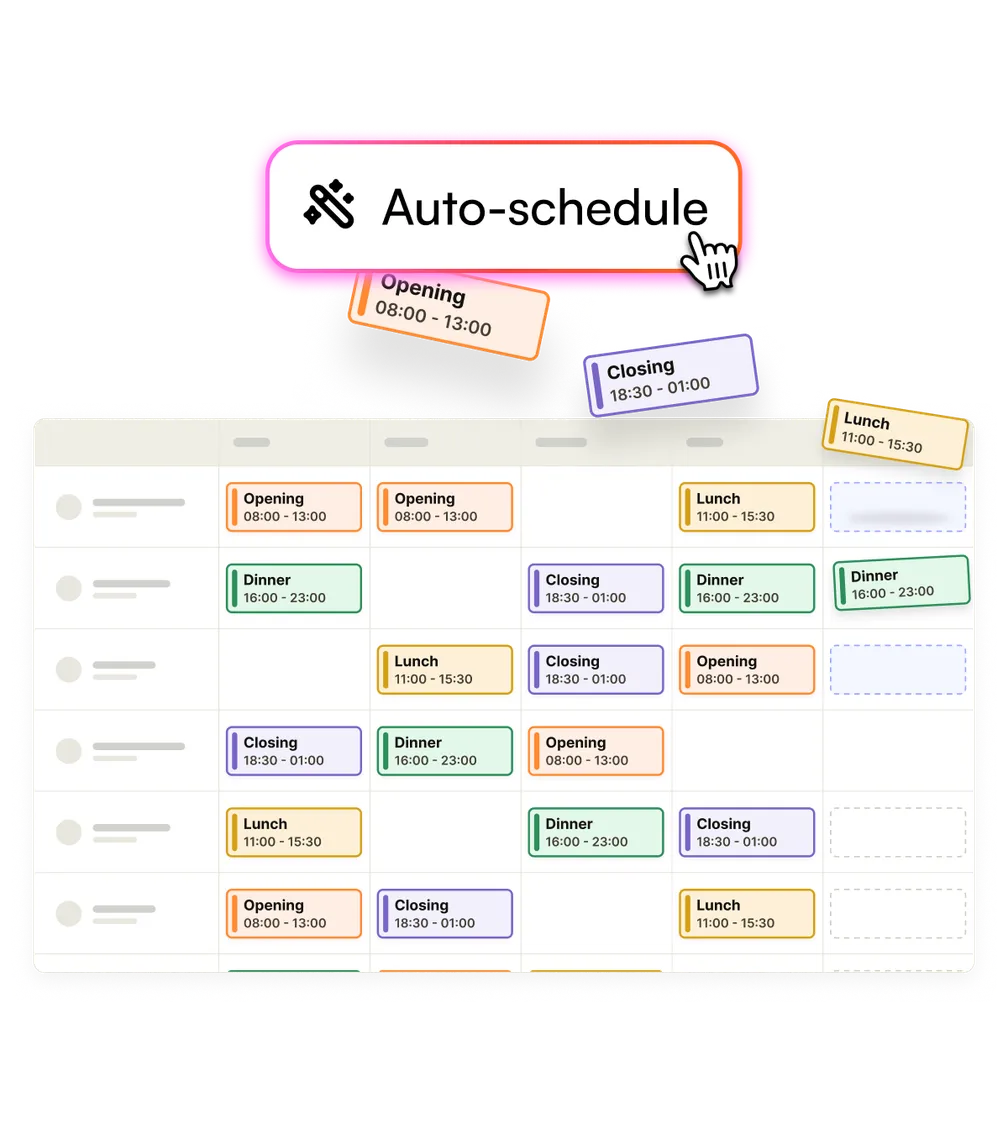
Draft a better week than you'd build by hand, in minutes. The right people land on every shift and labour cost stays in check. You plan on the web and your team sees it on their phone.
Join 9,000+ shift-based businesses and their 250,000+ employees.














See who works when, where you're short and what it costs, in one schedule instead of a fridge printout.
Shiftbase warns you the moment a shift clashes with holiday or another shift.
Hours, surcharges and holiday add up as the week runs, so payroll gets numbers you've checked.
Pick lower labour cost, your team's preferences or a mix. AI weighs every person against every shift on availability, contracts and cost, and drafts a week you couldn't puzzle together by hand. You check it and publish.
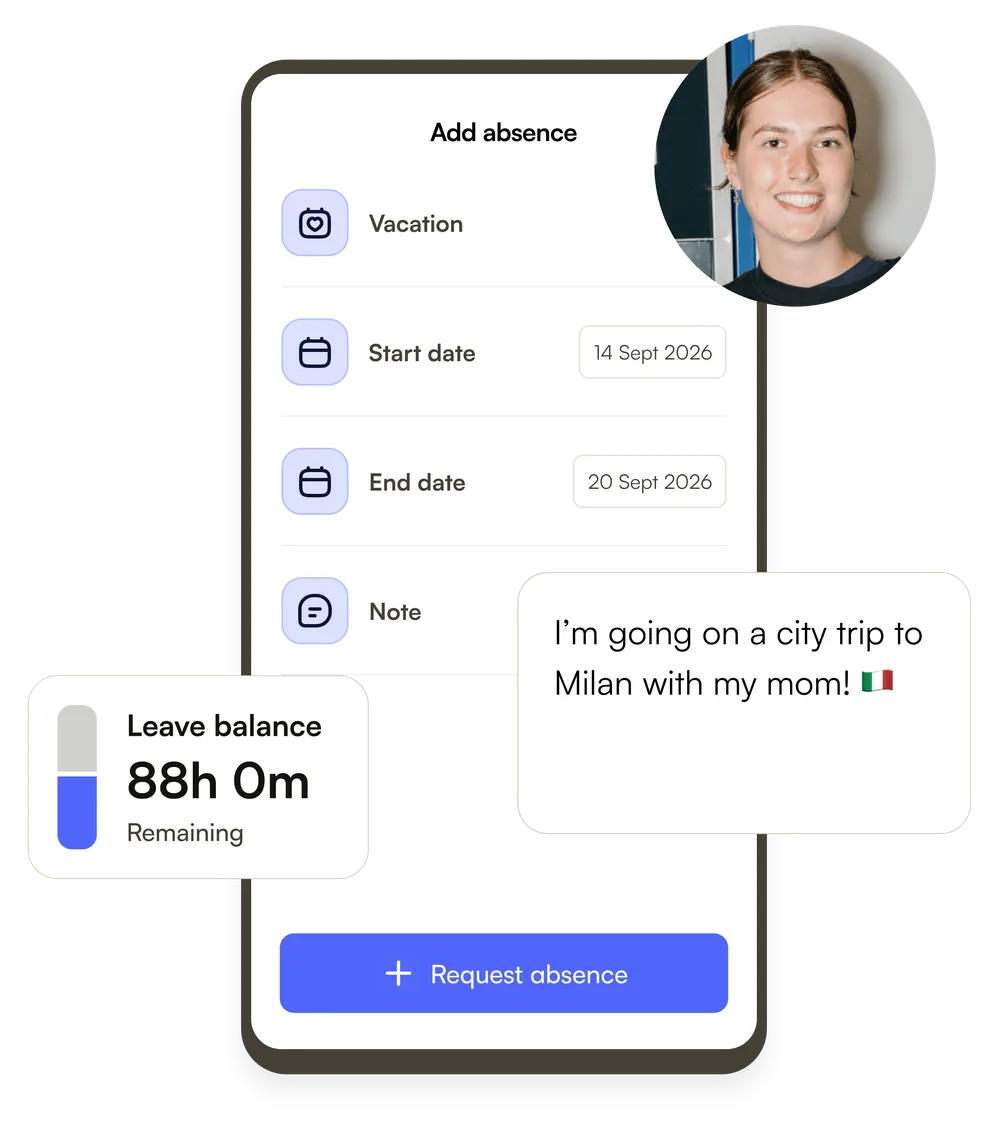
Your team sets their availability in the mobile app, so you're not guessing who can work Saturday. When a shift lands on a time someone can't work, or runs past their contract hours, Shiftbase flags it while you plan.
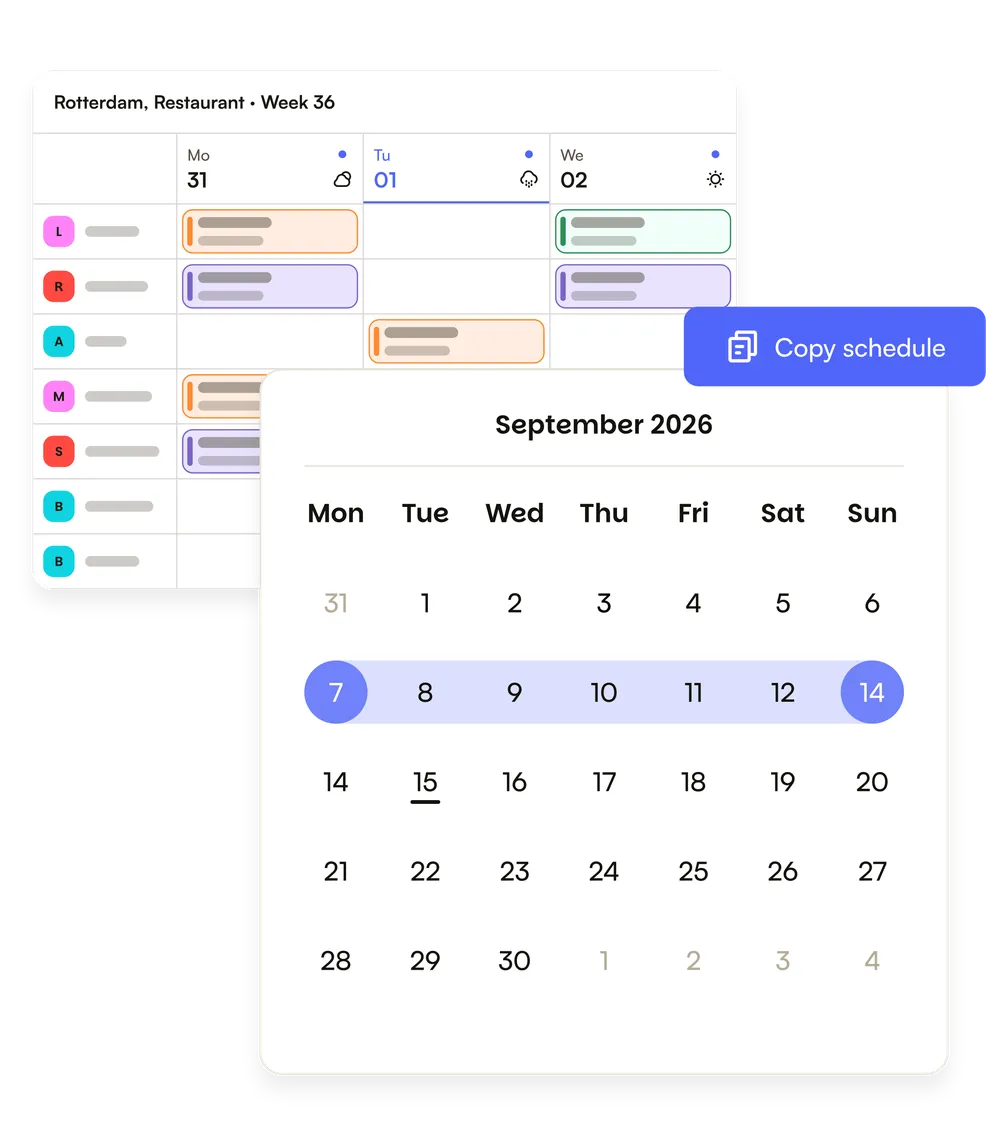
Save the shifts you run every week as templates, with the skills each shift needs, so the right people land on the right shift. Copy a week into the next, or set recurring shifts for your regulars.
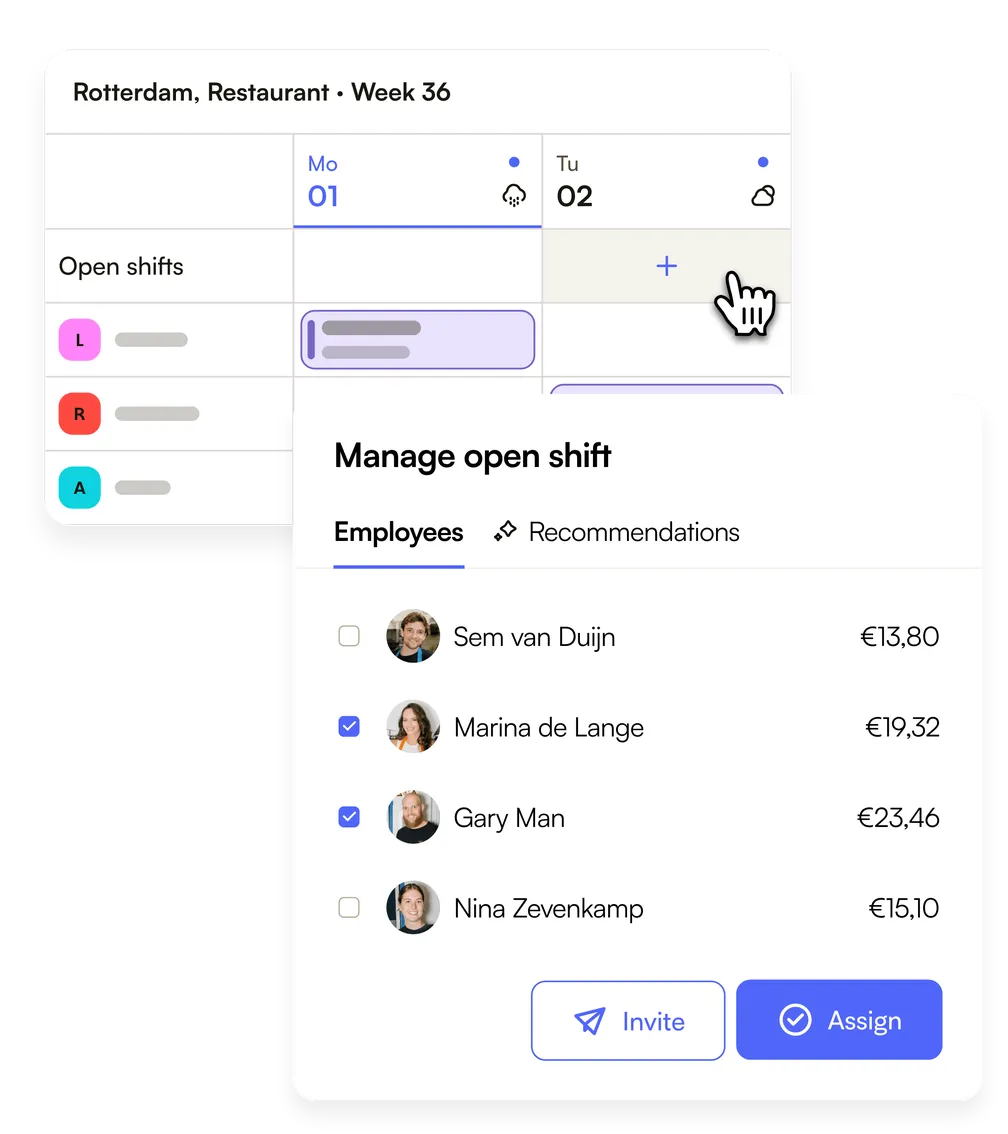
Post open shifts and your team claims them. If someone can't make it, they suggest a shift exchange you approve in one tap. When it's busy, Flexpool lets you borrow staff from other sites.
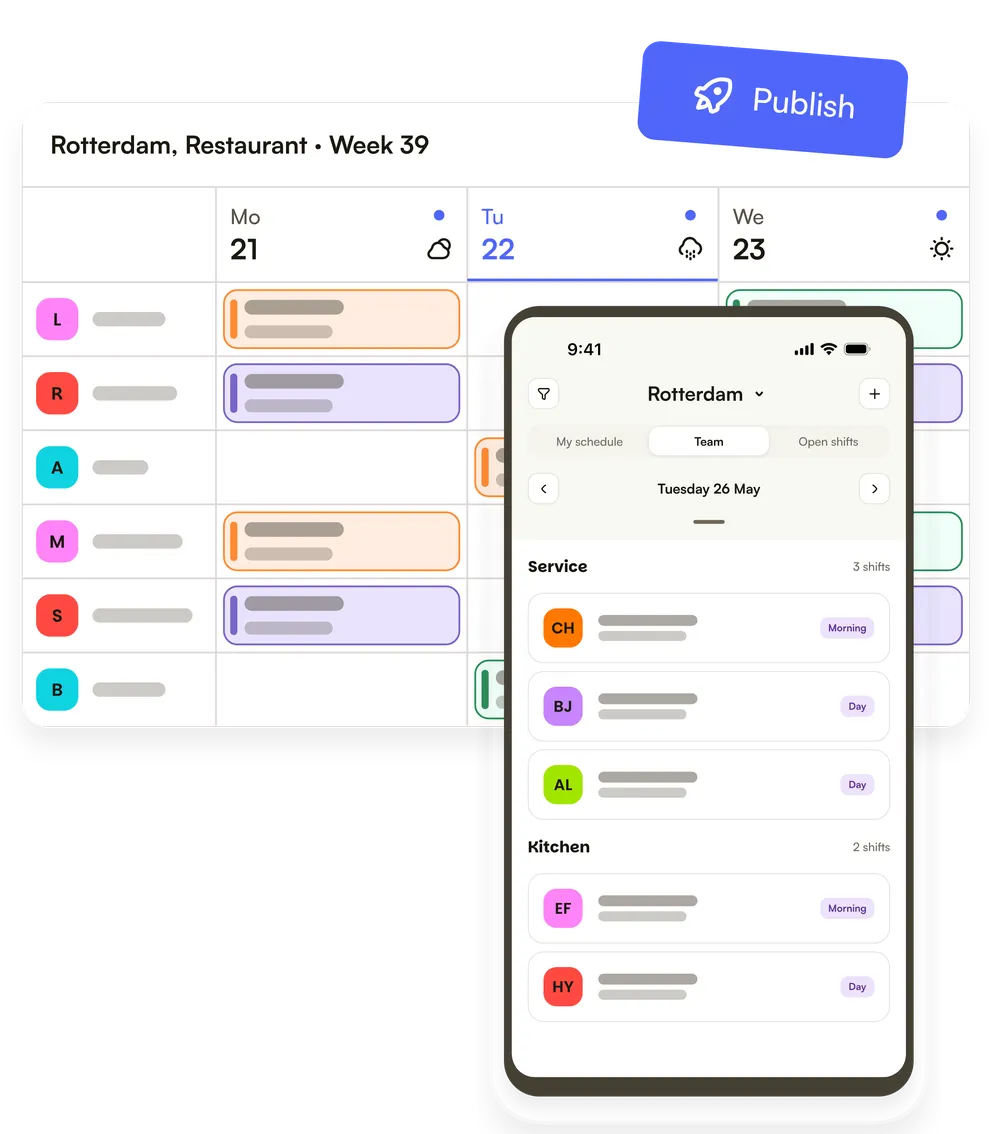
The schedule lands in the app and, if they sync it, in each person's calendar. Every change goes straight to the people it affects, so nobody turns up on the wrong day.
Intratuin, a garden centre chain, saves 20 hours a week on scheduling.
Not every question needs half an hour in the diary. Ask Tom how Shiftbase handles a team your size, or whether it does the one thing you came here for.
Every feature is open from the first day of your trial, no credit card needed.
If your business runs on shifts, the setup already matches how you plan. Invite your team, set it up, and run it on a real week.
Monthly plans, no long contracts. If Shiftbase doesn't fit your business, you leave with your data.
Wage data and contracts are sensitive, so we store them on European servers under GDPR.
Want to use Shiftbase at scale?Talk to sales
Track hours from clock-in to approval.
Approve leave, track every balance.
Contracts and employee records in one place.
Export payroll-ready hours in one click.
Plan labour against expected revenue.
Reach the whole team in one message.
AI works in the features you already use, starting with drafting your schedule.
More on Shiftbase AIEverything about employee scheduling in Shiftbase. If your question isn't here, send us a message.
Employee scheduling software is a tool for building, publishing and adjusting staff shift schedules in one place, and in the UK it is often called rota software. Shiftbase keeps availability, leave balances and contract hours inside the schedule while you build it, so conflicts surface before you publish rather than after. The same hours then flow into time tracking and payroll prep, so nothing is retyped.
Pick a week, drag shifts onto your team and publish. Approved time off, contract hours and availability already sit in the schedule, so you see what does not fit while you plan rather than after your team has seen it. If you run fixed patterns, save them once as a shift template and copy them forward each week.
Yes, Shiftbase schedules several locations and departments side by side. Every department and location has its own schedule, and you see them together in one overview. People can work across locations, and Flexpool moves them to wherever a gap opens.
Yes. Auto-scheduling in Shiftbase drafts your schedule for several departments and locations at once, and gives each shift to someone who's available and has the right contract hours. You check the draft, change what doesn't fit and publish it yourself: Shiftbase never publishes without you.
Your team sees the schedule in the Shiftbase app, on their own phone. You send the schedule round in one click: everyone gets an email, and a push notification if they have the app. You can also build the week unseen and open it up when you're happy with it. Shifts can also sync to their own calendar.
When someone calls in sick, you mark them absent and decide what happens to the shift: keep it on them, take it off, or open it up. Publish it as an open shift and your team can claim it in the app, so the shift stays covered without you ringing round.
Shiftbase checks your schedule against what you've set up: approved time off, overlapping shifts and contract hours. It flags a clash while you plan rather than blocking it, so the call stays yours. Rules from working time law, such as rest between shifts, you still check yourself.
How much notice you owe your team is set by their contract and any collective agreement rather than by one universal rule, and most shift businesses work two to four weeks ahead. In Shiftbase you publish the whole rota in one action, and every change after that goes out as a notification to the people it affects.
Shiftbase turns the hours your team actually works into payroll-ready hours, with the schedule as the baseline. Worked hours, surcharges, and leave add up as the week runs, so payroll prep starts from finished numbers instead of a spreadsheet you rebuild.
You move your rota from Excel to Shiftbase by importing your team from the spreadsheet and recreating the week you already run, once, as a shift template. From there you copy it forward week by week. What the spreadsheet cannot do is show you who is on holiday, tell your team when you move a shift, or warn you when a shift runs past someone's contract hours.
Free Weekly Excel schedule template.
A shift schedule says who works when, and for how long.
Ditch Excel rota chaos.
Shiftbase offers a 100% free planning sheet in Excel.
A rotating shift moves people through mornings, afternoons and nights.
Automated scheduling saves shift-based teams hours of admin every week.